

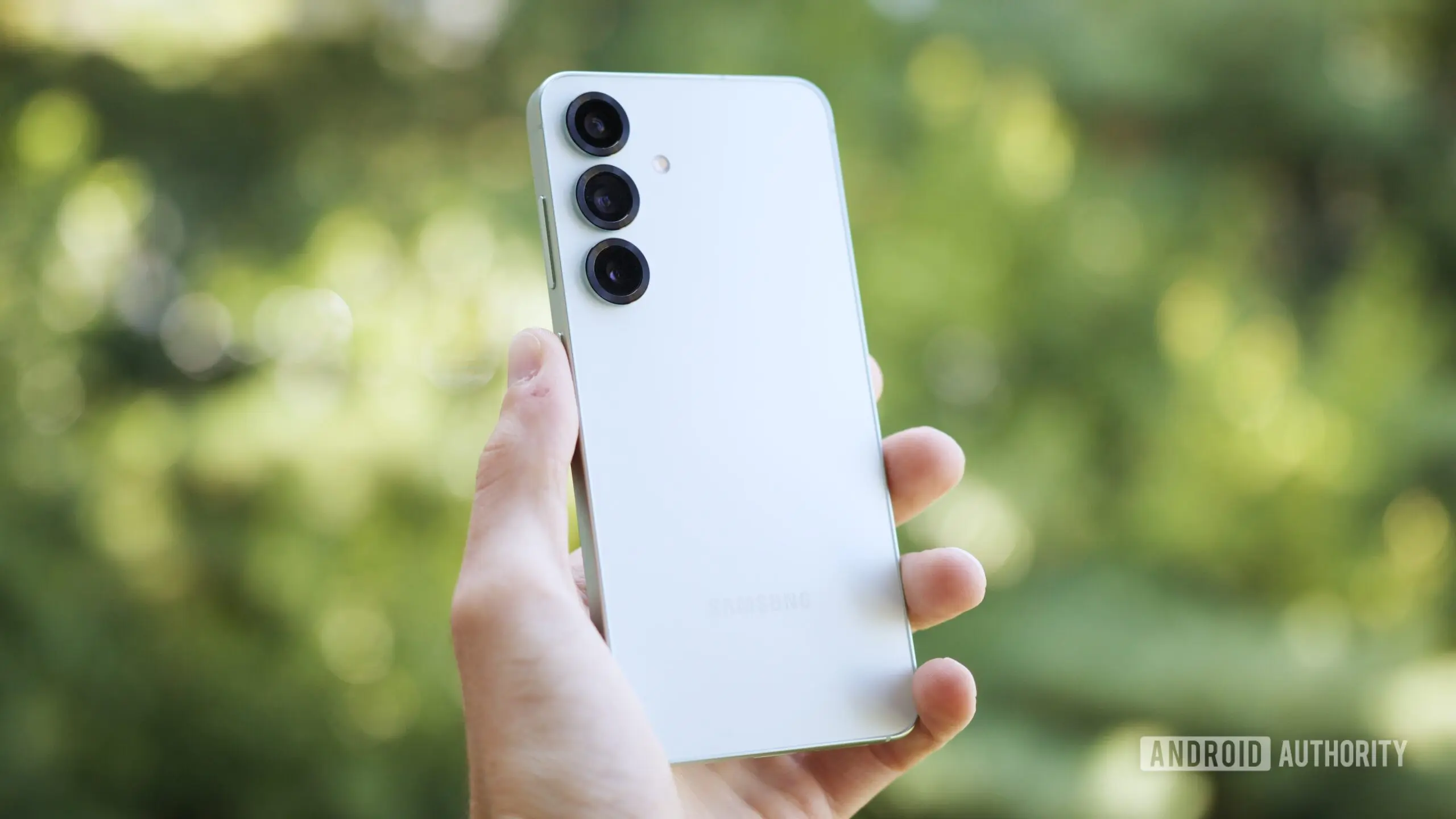
Samsung has started rolling out One UI 9 Beta 2 to the Galaxy S25 series, and the update is much more than a routine round of bug fixing. Fresh from the first beta that arrived last week, this latest build brings four Galaxy AI tools that were previously reserved for newer flagship devices, along with a handful of stability improvements aimed at making the prerelease software easier to live with.
The new beta is available now for the Galaxy S25, Galaxy S25 Plus, and Galaxy S25 Ultra in South Korea. The update weighs 643.16 MB and arrives with firmware version S93xNKSUCZZI4. Samsung expects to expand the rollout to other beta markets in the coming days, though the company has not provided a precise schedule for users outside Korea.
A second beta packed with new features
One UI 9 is expected to serve as Samsung's Android 17 experience. The first beta already hinted at the direction Samsung is taking, with leaks pointing to features such as portrait lighting and a gimbal-like Horizontal Lock that were expected to debut on future Galaxy flagships. Beta 2 goes further by adding four features from Samsung's newest Galaxy S and Z lineup devices.
Officially, the changelog only mentions “new AI features,” but user reports and community posts from Samsung Korea provide more detail. The four additions are Call Brief, Custom Cards in Now Brief, Now Nudge, and My FanCam. None of these are completely new to Samsung's ecosystem, but they are new to the Galaxy S25 series and give existing owners a chance to test features that are being positioned as part of the Galaxy AI roadmap.
Call Brief
Call Brief is designed to surface useful information during a phone call. If you are discussing an appointment, a package delivery, or a recent conversation, the feature can pull relevant messages, calendar events, and other context from your phone to help you avoid searching through apps while talking. The idea is to reduce the awkward pause when someone asks for details and you have to scramble to find them manually.
Custom Cards in Now Brief
Now Brief already exists as Samsung's glanceable summary screen. With Custom Cards, users can personalize those briefings by adding data from Samsung Health, Weather, YouTube, and other sources. It also allows users to decide when these cards should appear, making the briefing more useful throughout the day rather than presenting an identical summary every morning.
Now Nudge
Now Nudge is a proactive suggestion engine. It watches what is happening on the screen and attempts to predict the next useful action. For example, if you are reading a conversation about scheduling, it may suggest opening your calendar. If someone mentions a location, it might offer directions. The feature relies on on-device context and Samsung's ability to interpret what is on-screen without forcing users to manually trigger a search.
My FanCam
My FanCam is perhaps the most exciting addition for anyone who records events. The feature can identify a person in an existing video, track them as they move, and reframe the footage so that the subject stays centered. This is especially useful for concerts and sporting events, where the intended subject is rarely still and hand-held filming often results in awkward framing. Instead of manually editing the video afterward, the feature helps process the material automatically.
Stability fixes in Beta 2
Prerelease software is never perfect, and Samsung has acknowledged that by bundling several fixes in Beta 2. The update resolves Bixby Vision translation errors, which had been producing inaccurate translations for some users. It also addresses an issue that caused the Contacts app to crash temporarily, as well as Wi-Fi connection drops that could interrupt downloads and streaming.
These fixes may seem minor, but they are important for anyone using the beta on a daily driver. Translation errors can make a core tool unreliable, while Wi-Fi drops can have a severe impact on day-to-day use. The Contacts crash issue, although temporary, could make it difficult to reach key people when needed. By addressing these problems early, Samsung is showing that the beta program is not just about adding features, but also about refining the foundation.
The Galaxy S25 as a proving ground
Samsung has a complicated history with software updates. While it has improved its update policy in recent years, the company still uses its newest devices to demonstrate what its next-generation software can do. The Galaxy S25 series is currently at the top of that ladder, which means owners get early access to features that were originally expected to arrive with future flagships.
Leaks prior to the first beta suggested that Galaxy S26 and Galaxy Z Fold 8 users would receive tools like portrait lighting and Horizontal Lock. The fact that these features are making their way to the S25 through beta channels has generated excitement, because it shows that Samsung's most polished software ideas are not necessarily locked to a single generation of hardware.
The One UI 9 beta program is also a demonstration of Samsung's commitment to keeping flagship devices current. Galaxy AI has become a central part of Samsung's flagship experience, and the company regularly uses its beta channels to test new AI-driven features before announcing them alongside new hardware.
What this says about Android 17 and One UI 9
Android 17 is likely to be a relatively iterative platform update, with many of the most visible changes coming from manufacturer skins such as One UI. Samsung's One UI 9 has been in development for some time, and the beta program is now reaching a stage where feature additions are more common than major architecture changes.
One UI 9 is expected to include a range of improvements beyond the headline AI features. The design direction introduced in previous One UI versions continues to evolve, and the company has been paying close attention to privacy controls, battery life, and integration with Samsung's broader ecosystem. Beta updates like this one allow Samsung to test those changes with real-world users before the stable release.
Samsung has not yet announced a specific release date for stable Android 17 on older devices. The company has opened beta programs across several Galaxy S, Galaxy Z, and Galaxy A models, suggesting that a wide rollout is being prepared. A second S25 beta only a week after the first does not guarantee that the final build is imminent, but it does indicate that development is moving briskly.
How to install the update
Users who have already enrolled in the One UI 9 beta can check for the latest build by opening the Settings app, navigating to Software update, and selecting Check for updates. The rollout is incremental, so the notification may not appear instantly for everyone. Users who do not see the update yet can wait a short period and check again.
For those outside South Korea, Samsung will presumably begin expanding the beta in phases. Global beta programs usually follow the Korean rollout, and other regions have received One UI betas within days of the initial launch. It is worth noting that beta software is not final and may still contain bugs that affect performance or connectivity. Users who are not comfortable with that risk should wait for the stable release.
As One UI 9 continues to evolve, Galaxy S25 users can expect more features and refinements to arrive in subsequent beta builds. Samsung appears to be using the beta phase to test not only the new tools but also the way they interact with existing Galaxy AI capabilities. Features such as Call Brief and Now Nudge are part of a broader effort to make the phone more contextually aware, and it will be interesting to see how they develop before Android 17 reaches full release.
Source:Android Authority News