

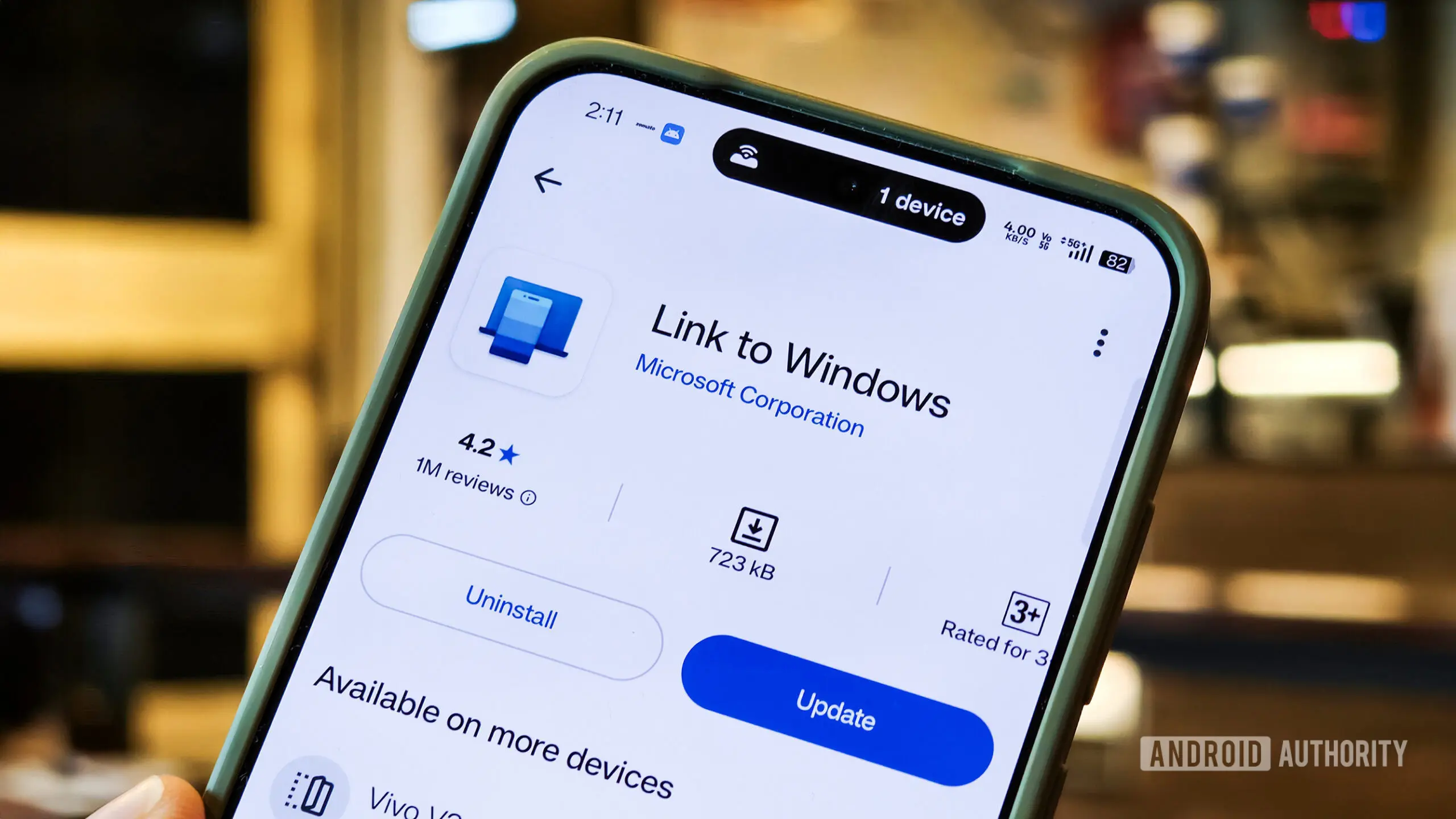
Microsoft has long been working on bridging the gap between Android smartphones and Windows PCs. The journey began in 2018 with the launch of Your Phone and Your Phone Companion apps, later rebranded as Phone Link and Link to Windows. These tools allowed users to access messages, photos, calls, and notifications from their Android devices directly on their Windows desktops. Now, according to a new report from Windows Central, Microsoft is exploring significant enhancements to make this integration deeper and more seamless.
Enhanced Phone Companion in Start Menu
One of the proposed changes involves the Phone Companion section within the Start menu. Currently, Phone Link displays a limited set of recent activities, requiring users to open the full app for more details. Microsoft is reportedly working on a version that will show more recent activities directly in the Start menu, allowing users to glance at messages, recent photos, or notifications without launching the main app. Additionally, hovering over an activity will reveal a tooltip with more information, such as the full text of a message. This would reduce friction and make the integration feel more native to the operating system.
Dedicated Smartphone Flyout on the Taskbar
Another significant change is a new smartphone pop-up flyout accessible from the Taskbar. In mock-ups shared by Windows Central, a phone icon appears on the Taskbar when a device is connected. Clicking this icon opens a flyout panel that provides an overview of the phone's status—including battery level, network strength, and notification count—along with convenient toggle buttons for features like Do Not Disturb, Vibrate Mode, and Find My Phone. Users may also drag and drop files directly onto the phone icon to transfer them to the device. This design mimics the system tray flyouts for other Windows components, such as the volume mixer or network panel, making it a natural extension of the desktop experience.
Improved Clipboard History Syncing
Clipboard syncing between Android and Windows has existed for a while, but it currently only remembers the last item copied. Microsoft is said to be working on a solution that synchronizes the entire clipboard history across both devices. This would allow users to copy multiple items on their phone and paste them later on their PC, or vice versa. The feature would likely leverage the existing cloud clipboard infrastructure used by Windows 10 and 11 for cross-device syncing, but expanded to support third-party apps and deeper integration with the Phone Link backend. Such an improvement would be a boon for productivity, enabling seamless text, links, and even image transfers between devices.
New Dedicated Messages App
Perhaps the most user-visible change is a new dedicated Messages app for Windows. While Phone Link already has a messaging interface, it is embedded within the Phone Link app and cannot be pinned separately to the Start menu. The standalone Messages app would function like any other native Windows app, supporting notifications, pinning, and even displaying messages in the taskbar's jump list. This would make SMS and RCS messaging feel more like a core part of Windows rather than a feature hidden inside a companion app. Users could quickly access conversations, send messages, and manage notifications directly from the Start menu or by searching for "Messages."
Prototypes and Insider Testing
According to Windows Central's sources, these features are currently in internal prototyping stages. Their design and implementation could change before public release. Microsoft is expected to roll out testing to Insiders in the Dev or Beta channels in the coming months, collecting feedback to refine the experience. Historical patterns suggest that major Phone Link updates are often tied to Windows 11 feature updates, so some of these changes might debut with the next major Windows update (version 23H2 or later).
The timing of these improvements aligns with Microsoft's broader strategy of making Windows a hub for mobile experiences. With the fall of Windows Phone and the rise of Android, the company has invested heavily in cross-platform tools that allow users to stay within the Microsoft ecosystem while using non-Microsoft devices. Features like Phone Link, Your Phone Companion, and Link to Windows have accumulate millions of active users. Deepening this integration could also help Microsoft compete with Apple's Continuity features, which offer seamless handoff between iPhones and Macs.
Historical Context and Evolution of Phone Link
Phone Link was initially launched in 2018 as Your Phone. The early version allowed screen mirroring of Android phones, but the functionality was limited to select Samsung and OnePlus devices. Over time, Microsoft expanded support to more Android handsets and introduced features like calling via PC, photo drag-and-drop, and notification mirroring. In 2020, the app was rebranded to Phone Link, and the companion app on Android became Link to Windows. The service now supports a wider range of phones, including those from Xiaomi, OPPO, and realme. Despite these improvements, users have long requested deeper integration, such as the ability to run Android apps natively (a feature that arrived in limited form with Windows 11's Android subsystem) and seamless clipboard sync.
Microsoft's current push to make Phone Link more native aligns with its vision of Windows 11 as a platform that seamlessly bridges work and personal life. The new flyout and Messages app reduction of clicks could significantly improve workflow for users who rely on their phone for communication and file sharing. Additionally, deeper clipboard integration would eliminate one of the last friction points for copy-pasting between devices.
Competitive Landscape and User Expectations
While Microsoft has been making strides, competitors like Apple and Google have set high standards. Apple's ecosystem allows instant hotspot activation, universal clipboard, and seamless handoff of calls and messages across iPhones, iPads, and Macs. Google has its own initiatives with Phone Hub on Chrome OS, but Windows remains the dominant desktop OS with over 1.4 billion users. To retain and attract users, Microsoft needs to offer a similarly fluid experience for Android phone owners. The reported features address this directly: the Taskbar flyout makes phone status glanceable without disrupting workflow, the standalone Messages app brings SMS closer to native instant messaging, and cloud clipboard syncing removes a major inconvenience.
Furthermore, these changes could benefit Microsoft's own hardware ambitions. Surface devices, particularly the Surface Pro line, are often used by mobile professionals who rely heavily on their phones. A deeper integration could make Surface a more compelling choice for those already invested in Android. It could also encourage Samsung, with which Microsoft has a close partnership, to promote Link to Windows more aggressively. Samsung already pre-installs the app on its Galaxy series, and deeper integration could strengthen that relationship.
Potential Technical Hurdles and Privacy Considerations
Implementing these features isn't without challenges. Clipboard history syncing, for example, requires careful handling of sensitive data like passwords and two-factor authentication codes. Microsoft will likely need to implement encryption and user authentication to ensure that clipboard data is not exposed to unauthorized parties. Similarly, the smartphone flyout will need to respect user privacy by not exposing too much information on the public taskbar. The use of Windows Hello or device PINs to unlock the flyout could be one solution.
Battery life is another consideration. Constantly syncing clipboard history and maintaining a live connection for the flyout could drain phone and PC batteries faster than current Phone Link implementations. Microsoft will need to optimize background processes to minimize energy consumption.
Conclusion (Note: Do not include as section; this is just a placeholder for the end of the content)
The reported upgrades represent a logical next step in Microsoft's long-term strategy to unify Android and Windows. By making Phone Link's features feel like native parts of the operating system, the company can reduce the friction users face when switching between devices. While still in prototyping, these changes could significantly enhance productivity and user satisfaction for the millions who rely on both platforms daily.
Source:Android Authority News