

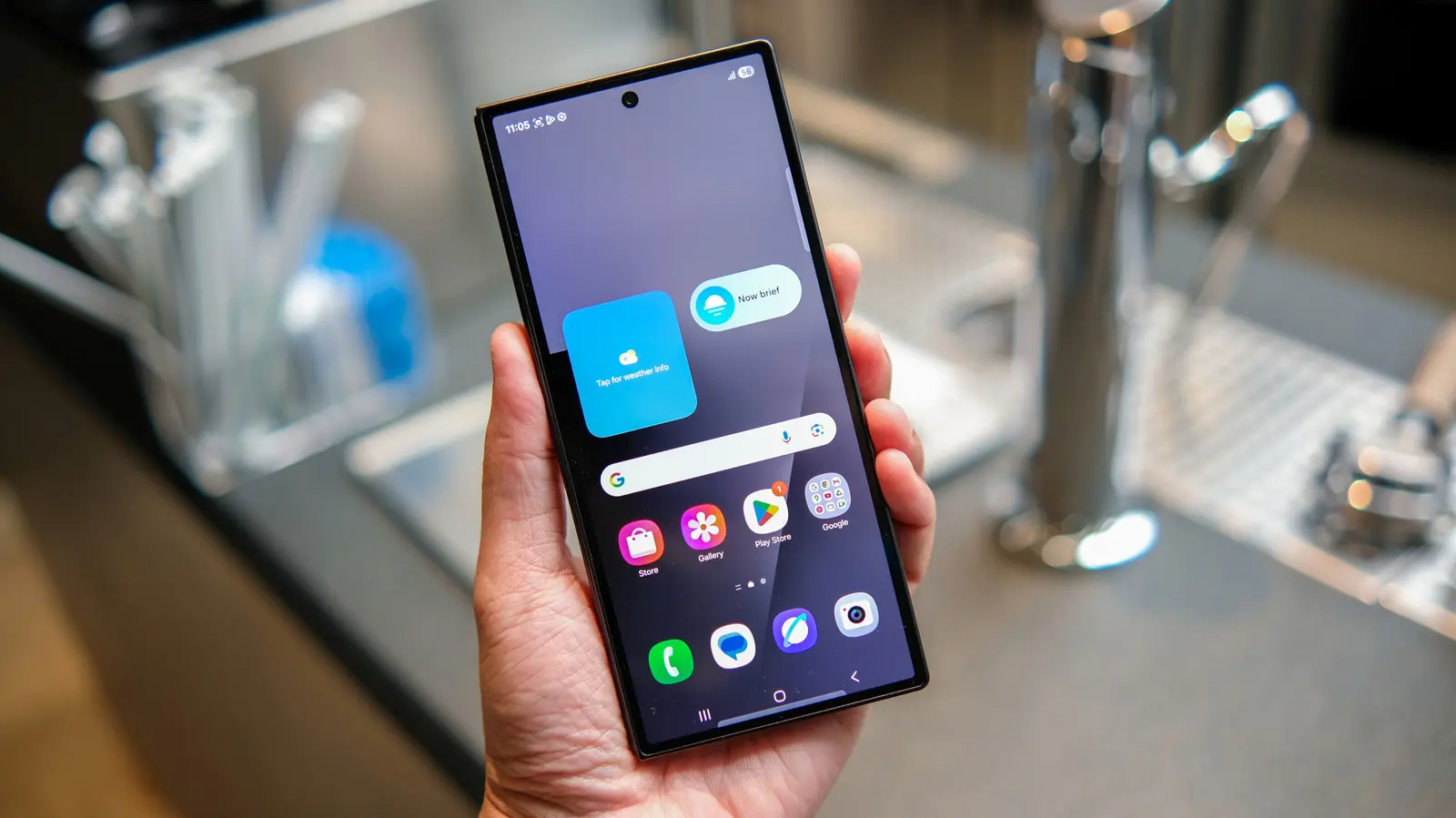
Stock launchers on Android phones provide a clean and straightforward way to access your apps and widgets, but they often leave little room for personalization. If you've ever tried to place a widget exactly where you want it, change your app icons, or alter the behavior of your app drawer, you've likely hit a wall. Even the most feature-packed manufacturer skins, such as Samsung's One UI, only go so far. That's where third-party launchers step in, offering a level of control that stock Android simply doesn't provide.
The Google Play Store is brimming with launchers, and some, like Nova Launcher, have reached legendary status. Yet that abundance can be overwhelming. Many launchers look and act alike, while others are abandoned by developers within a year or two. With so much choice, picking the right one becomes a daunting task. We've done the heavy lifting for you, sorting through the options to find launchers that genuinely change the way your home screen looks and feels. Whether you want automatic app organization, a minimalist one-hand layout, practical foldable support, or a search-first approach, these five Android launchers stand out in 2026.
Smart Launcher 6
Most launchers hand you a blank grid and expect you to figure out the organization yourself. Smart Launcher 6 skips that step and actually behaves smartly. It automatically sorts every app you install into categories, making it easier to locate apps in the sea of applications on your phone. Games are grouped together, messaging and communication apps are gathered, and tools are pooled. Many people love grouping similar apps, but on other launchers that requires manual effort. Smart Launcher 6 handles this tedious task automatically, saving you time and keeping your home screen tidy.
With more than 50 million downloads, Smart Launcher 6 has proven its popularity worldwide. It's a launcher that many users trust, even on flagship devices. For instance, you might find yourself ditching Samsung's One UI on a Galaxy S24 Ultra just to use Smart Launcher 6, and it's easy to see why. This launcher also includes a customizable news reader with RSS support, so headlines can sit right on your home screen alongside your apps. One of its best features is the ability to pull matching colors from your wallpaper and apply them to icons, folders, and the search bar. This creates a cohesive look that you'd normally have to set manually in other launchers, but Smart Launcher 6 does it automatically.
Beyond that, you can change fonts, and the search bar doubles as a shortcut for contacts and calculations. The free tier includes a customizable dock and unlimited home pages, making it an excellent starting point for anyone who wants a smarter, more organized Android experience.
Niagara Launcher
If Smart Launcher 6 is about organizing apps, Niagara Launcher is about ditching most of them. Instead of a home screen full of tiles, app icons, and folders, Niagara Launcher gives you a plain, alphabetical list of apps running down one side. These apps are reachable with your thumb no matter how big your phone is. It's built for one-hand use, and everything else about this launcher follows from that idea. The animations are fluid, and the letters animate in a diagonal cascade as you scroll through the app list, adding a subtle touch of polish.
If you're tired of the traditional grid layout, Niagara Launcher offers a refreshing alternative. It's a strong fit for foldables and unusually shaped phones, such as the Galaxy Z Fold8, because a scrolling list adapts to odd aspect ratios far better than a fixed grid ever could. The app comes with a limited but good library of themes, which can be applied with a single tap. You can also swipe right on the home screen to reveal extra shortcuts without leaving the main view.
Customization options are plentiful: you can change app icons, clock style, fonts, add a widget stack, and set up gestures like double-tap to turn off the screen. Perhaps the best thing about Niagara Launcher is that it doesn't show a single ad, even in the free version. That's rare in the launcher world, and it makes the app feel respectful of your attention and your data.
Octopi Launcher
Octopi Launcher is relatively new compared to the others on this list, but it has quickly carved out a niche. It markets itself as "the home screen launcher that tries to be different," and it earns that description. Instead of traditional folders, Octopi Launcher lets you organize your app drawer with tags. You can also run auto-scrolling widget stacks and pin a widget so it floats on top of your home screen rather than occupying a fixed spot. Another notable feature is the ability to set separate layouts for portrait and landscape modes, or go a step further and create distinct setups for each screen of a foldable phone.
Resizing icons is easy, and swiping on an icon in a particular direction can open a completely different app. This small touch saves a surprising number of taps for your most-used app pairs. If you own a foldable, you'll appreciate the option to have different layouts for the inner and outer displays. Some people like the extended home screen when switching from the outer to the inner display, while others prefer a less distracting outer screen with everything else reserved for the larger inner display. Octopi Launcher accommodates both preferences.
The launcher also offers the ability to hide the status and navigation bars, an index bar, and a reachability mode for the app drawer. It supports private space and work profiles, making it a versatile choice for power users. Additional features can be unlocked with a one-time payment, which is a welcome alternative to subscription models.
Lawnchair
If you love how a Google Pixel launcher looks but you own a Samsung Galaxy phone, you don't need to look any further than Lawnchair. Its official website says "no clever tagline needed," and that's true because it delivers a Pixel-style launcher without the usual restrictions. You get the same clean look as the official Pixel launcher, the At a Glance widget, and full support for Material You's wallpaper-based theming. This makes it an excellent choice for anyone who wants that Pixel aesthetic on any Android device.
Because Lawnchair is open-source, it picks up new Pixel Launcher features almost as fast as Google ships them. The code is public, so the community can track new changes and integrate them quickly. No root access is required to enjoy these features, which makes the launcher highly approachable for people who haven't dabbled in custom ROMs but still want a Pixel-like experience. Icon customization is handled particularly well, giving you granular control over how icons look and behave.
Lawnchair also supports QuickSwitch, a community add-on that improves the recent-apps screen for users running a Magisk-modified phone. That's optional, and most people will never need it. The launcher is entirely free, with no subscription plans, no ads, and no paywalled features. It's actively maintained on GitHub with regular releases and is also available on the Play Store, so you can get it easily and stay up to date.
Kvaesitso
For those who love trying new launchers and customizing their phones, Kvaesitso is a hidden gem. While the name is a bit complicated, the idea behind this launcher is simple: it treats search as the primary way to interact with your phone, not as a fallback for when you can't find an icon. When you open Kvaesitso, you're greeted by a search field first. You can type to pull up apps, contacts, calculator results, calendar entries, and even files stored in your phone's internal storage. This eliminates the need to open the app drawer, launch an app, and then perform the task you wanted to do.
Kvaesitso is fully open-source, comes with no ads, no tracking, and no reliance on Google Play services. That makes it a perfect choice for users who install apps through alternative stores like F-Droid. It's one of the fastest Android launchers available, thanks to a small installer, minimal background overhead, and a design that gets out of your way instead of adding unnecessary animations for their own sake.
To be honest, Kvaesitso won't appeal to everyone. If you want a heavily decorated home screen with widgets, folders, and visual flourishes, this launcher isn't for you. It's built for productivity and for those who want to strip away the bloat that many modern launchers rely on. If that sounds appealing, Kvaesitso offers a clean, efficient, and respectful approach to Android home screens.
Source:SlashGear News