

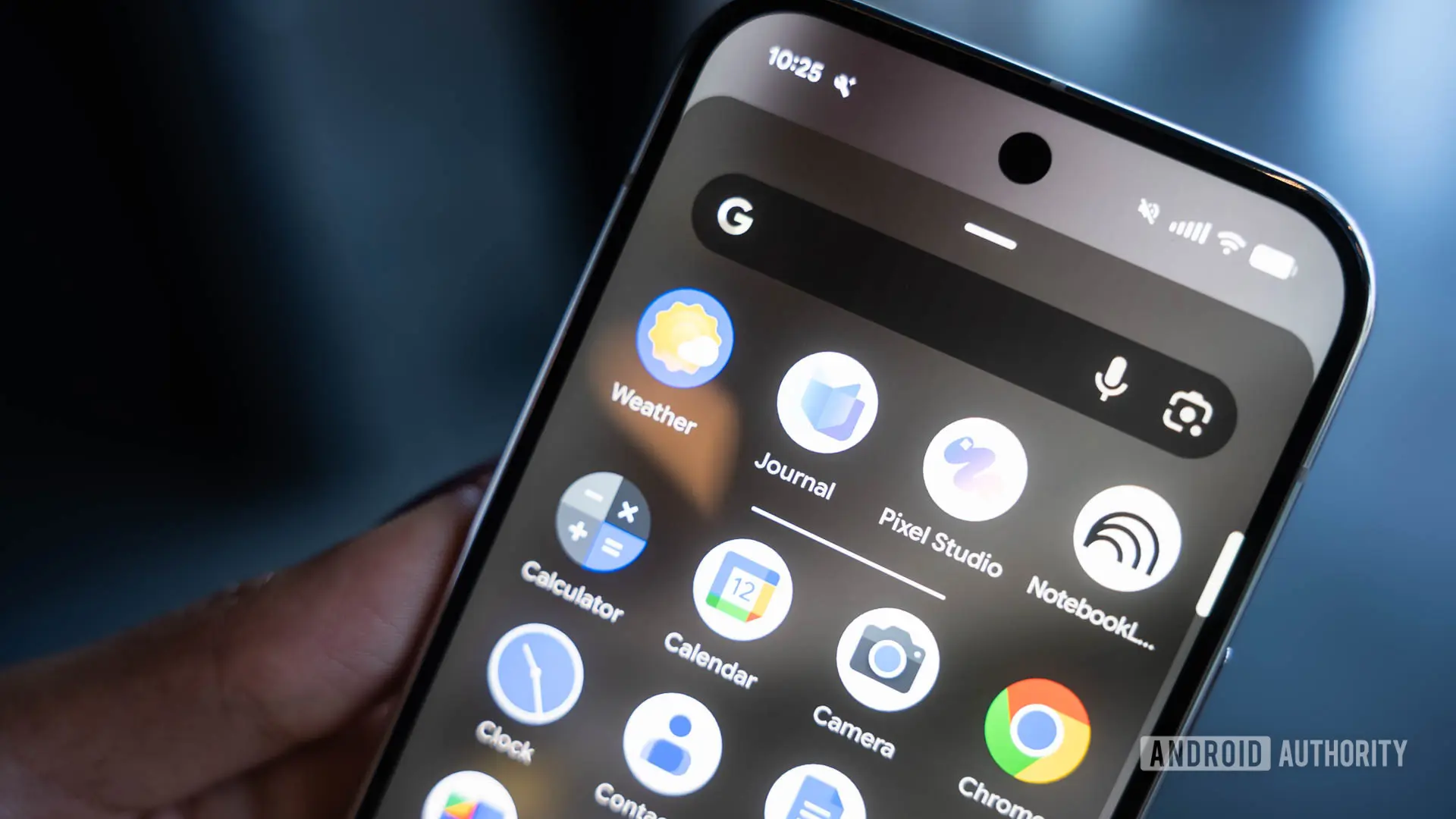
Google's Pixel Journal app is receiving a notable update that introduces several practical improvements for anyone who uses their Pixel phone for personal reflection. At the same time, hidden clues inside the app suggest that Google is preparing an AI-powered feature that could transform how entries are formatted and polished. The new update is rolling out now, but the most interesting developments may still be on the horizon.
Pixel Journal's expanding feature set
Pixel Journal is a relatively recent addition to Google's Pixel lineup, designed to offer a private space for daily journaling, with prompts and personalized suggestions. While the app already supported basic entry creation and inspiration from health data, the latest version adds more user control and safety measures.
Customizable reminders
One of the headline additions is the ability to set reminders at different times of day. Users can now choose to receive a nudge in the morning, afternoon, or evening, with approximate times of 7 AM, 2 PM, and 9 PM. This is a meaningful improvement over a fixed reminder time, because journaling habits vary. Some people prefer to write first thing in the morning, while others jot down thoughts before bed. The flexible scheduling lets the app fit into a wider range of routines.
New media layouts
The update also introduces two layouts for photos and videos in journal entries. The Compact arrangement groups media together to keep entries concise, while the Full layout gives individual images and videos more breathing room. Users can pick whichever style suits their preference or the type of entry they're creating. For example, a travel log with many photos might benefit from the Full layout to highlight each image, whereas a quick daily recap could use the Compact view to keep things streamlined.
Safer deletion with confirmation and Undo
One of the most welcome changes is arguably the new deletion flow. Previously, tapping Delete removed an entry instantly, with no confirmation and no way to recover it. That could be a serious problem for a journal app, where entries often contain personal thoughts and memories. The updated behavior first asks users to confirm that they really want to delete the entry. After confirmation, a temporary Undo option appears for about five to ten seconds, giving users a chance to reverse the action if it was made by mistake. This small but crucial change brings Pixel Journal in line with best practices for apps that handle sensitive data.
Health Connect sleep data support
Pixel Journal is also expanding its integration with Health Connect. The app already used activity data, such as exercise and physical activity, to generate writing prompts and inspiration. Now it can request permission to read sleep data as well. Health Connect treats activity and sleep as separate categories, so users must grant access separately. If permission is given, Pixel Journal can incorporate sleep information when suggesting topics. For many people, sleep quality directly affects mood and energy levels, so having the option to include that context could make the app's prompts feel more relevant.
Auto format: an AI-powered cleanup tool in the works
Beyond the features that are already rolling out, there are strong signs that Google is working on something bigger. A teardown of the latest Pixel Journal version uncovered strings referring to an 'Auto format' feature. The text suggests that after a user finishes speaking or typing, the app could automatically clean up the entry.
The discovered strings include labels for two modes: 'Simple' and 'Expressive'. While Google has not explained exactly how these modes will differ, the names offer hints. Simple mode might preserve the user's original wording and merely fix the structure, grammar, or formatting. Expressive mode could take more creative liberties, rewriting the entry in a more polished or stylized manner. This would give users a choice between a light touch and a more dramatic transformation.
Another set of strings reveals that a minimum word count will be required before Auto format can be used. The thresholds appear to be separate for Simple and Expressive modes, though the exact numbers are not yet known. One plausible reason for this restriction is that the AI needs enough context to meaningfully reorganize text without hallucinating or adding unnecessary embellishments to a very short note. A one-sentence entry may not give the model enough material to work with, so the minimum word count would ensure more reliable results.
Why Auto format could change journaling habits
The potential addition of Auto format is particularly interesting because journaling often happens at the end of a long day. People may be tired or in a hurry, and their entries might be messy, disjointed, or full of rambling thoughts. If Pixel Journal can clean up an entry after it's written or dictated, users could focus on getting their thoughts out without worrying about grammar or organization. The AI would act as an editor, turning rough notes into a coherent entry.
This feature would also align with Google's broader push to integrate AI into its products. From Pixel phones to Workspace apps, Google has been embedding generative AI into many of its services. Pixel Journal is a natural candidate for this technology, because personal writing can benefit greatly from a helping hand. At the same time, there are privacy considerations. Journal entries are deeply personal, and any AI processing would need to be handled with care. Google has not announced whether Auto format will run on-device or in the cloud, but on-device processing would align with the privacy-focused positioning of Pixel devices.
Looking at the bigger picture
Pixel Journal is still a young app, and Google appears committed to refining it. The updates rolling out now address some of the most requested features: flexible reminders, better media presentation, and safer deletion. These are not flashy changes, but they make the app more usable in daily life. The addition of sleep data from Health Connect also expands the app's ability to provide personalized inspiration, which is one of its core strengths.
The Auto format feature, if it reaches release, could represent a significant step forward. It would distinguish Pixel Journal from many other journaling apps by offering built-in AI editing. While there is no guarantee that the feature will make it to the stable version, the presence of these strings suggests that Google is actively exploring the idea. The fact that the company is working on two distinct modes indicates that careful thought is going into how users might want their entries to be transformed.
For now, Pixel Journal users can enjoy the new reminders, media layouts, deletion safeguards, and sleep data integration. Those who like to dictate entries or type quickly without worrying about perfection may eventually have a powerful ally: an AI that tidies up after them. As Google continues to develop the app, the line between simple note-taking and intelligent journaling is likely to become even blurrier.
Source:Android Authority News