

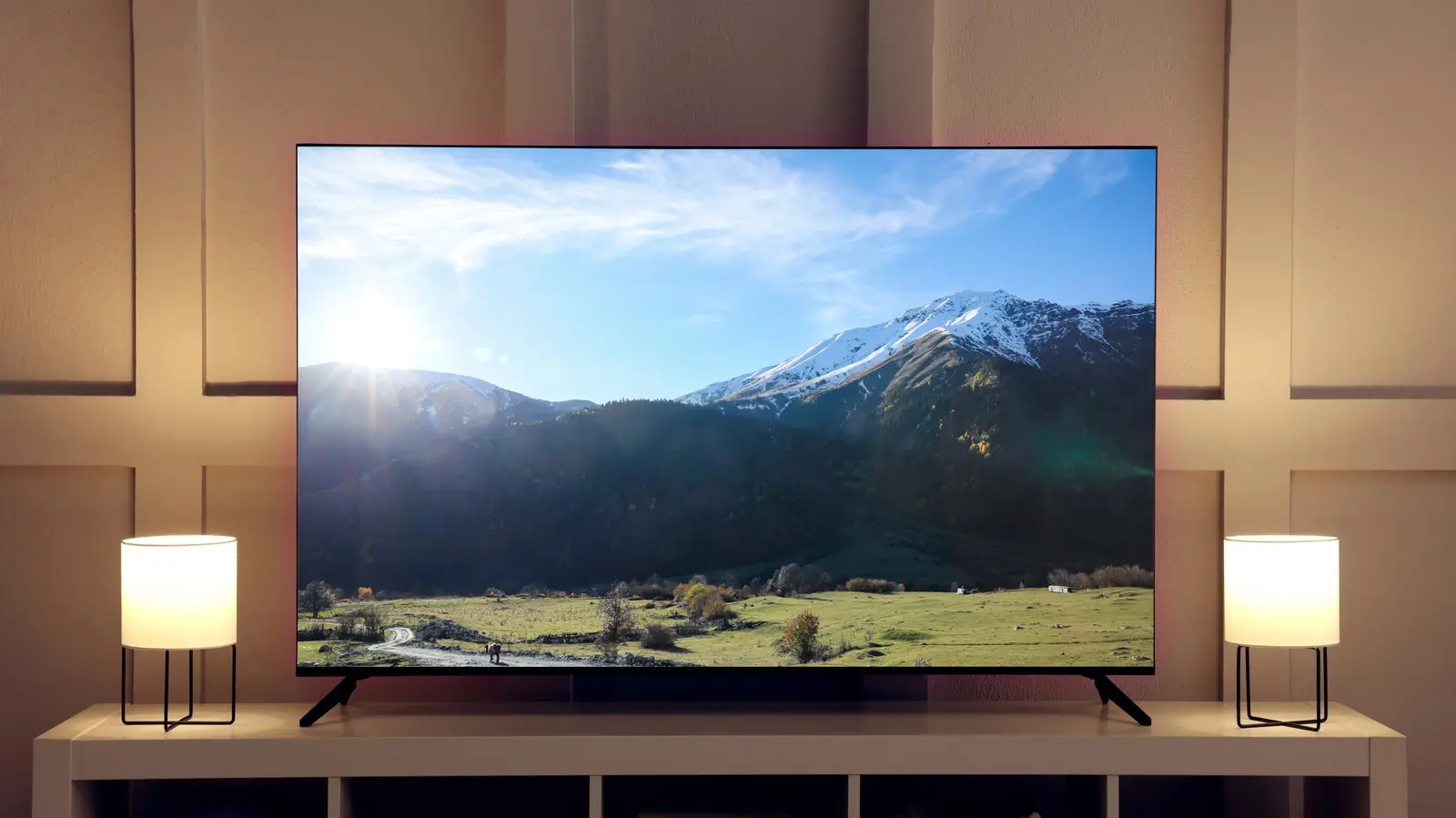
Eclipsa Video is a new High Dynamic Range (HDR) format designed to make video content look consistent across a wide range of devices. The format is based on the SMPTE ST 2094-50 specification, an open standard developed by Google alongside Apple and NBCUniversal. For viewers, HDR promises brighter highlights, deeper blacks, and more vibrant colors, but the way content appears can change dramatically depending on the display. Eclipsa Video attempts to solve that variability by giving compatible displays precise instructions for how to render an image, rather than leaving the interpretation up to each device.
To understand why Eclipsa Video matters, it helps to first understand the broader HDR landscape. HDR, or High Dynamic Range, is a technology that improves picture quality by expanding the range of brightness and contrast that a display can show. It also supports a wider color gamut, which means the display can reproduce more shades of red, green, and blue. The goal is to make images look more lifelike, with a level of realism that standard dynamic range (SDR) content cannot achieve.
Over the years, several HDR formats have been introduced, including HDR10, HDR10+, and Dolby Vision. Each format takes a slightly different approach to how brightness and color information are encoded and delivered to a screen. While all of them can produce stunning images on the right hardware, they have also created a fragmented ecosystem. A video mastered in one HDR format might not look the same on two different televisions, even if both TVs are considered high-end. This inconsistency has become one of the biggest frustrations for consumers who want a reliable HDR experience.
Why HDR Consistency Is So Difficult
The core challenge with HDR is that no two displays are identical. They have different peak brightness levels, different contrast ratios, different color volumes, and different processing engines. A high-end OLED TV can produce perfect blacks, but it may not get as bright as a premium LED-LCD TV. Conversely, an LCD TV can get very bright, but it may struggle with small bright objects because of blooming. These hardware differences mean that the same HDR signal can look very different from one device to another.
Device manufacturers also have their own ideas about how to render HDR content. Some TVs are tuned for vivid, punchy colors, while others prioritize accuracy. The process of adjusting the HDR signal to match the capabilities of a display is called tone mapping. It is a complex operation that decides how bright a specular highlight should be, how shadow details should be preserved, and how colors should be compressed when the display cannot reproduce the full range of the incoming signal. Because tone mapping is proprietary and often heavily processed, it introduces an extra layer of unpredictability.
Eclipsa Video addresses this problem by changing where the decision-making happens. Rather than letting the display interpret the HDR signal on its own, Eclipsa Video includes precise guidelines that tell compatible displays exactly how to render the image. The goal is to reduce the variability that comes from different tone mapping strategies and give content creators more control over the final look.
How Eclipsa Video Works Under the Hood
To understand Eclipsa Video, it is helpful to know how traditional HDR formats communicate with a display. Most HDR content includes metadata, which is essentially a set of instructions attached to the video signal. This metadata describes characteristics such as the mastering display's peak brightness, the maximum and average light levels in the scene, and the color space used during production. The display reads this metadata and uses it to decide how to map the signal to its own capabilities.
HDR10, which is the most widely used HDR format, relies on static metadata. That means the metadata is created once for the entire piece of content and does not change from scene to scene. Static metadata is simple and backward compatible, but it is also a blunt tool. A movie might have a dark, moody scene followed by a bright outdoor scene, and the same static instructions would apply to both. As a result, some scenes may appear dimmer or brighter than intended, and shadow detail or highlight detail may be lost.
Eclipsa Video takes a more sophisticated approach. It uses dynamic metadata, which means the instructions can be updated on a scene-by-scene or even frame-by-frame basis. This allows the display to optimize each moment of a video independently, preserving the creator's intent as much as possible. In addition, Eclipsa Video establishes a consistent baseline for normal brightness called the HDR reference white. This reference white provides a stable anchor point so that everyday objects, textures, and skin tones remain consistent, while brighter elements like sunlight or glints on metal can still push beyond that baseline when the display is capable of showing them.
The format also allows displays to adapt content mapping based on ambient lighting conditions and hardware capabilities. If you are watching a phone in a bright room, the display can adjust the HDR image to remain visible without blowing out highlights. If you are watching a TV in a dark home theater, the display can preserve more shadow detail and subtle gradations. This adaptability is designed to deliver a more enjoyable viewing experience in real-world conditions, not just in a controlled studio environment.
Eclipsa Video vs. HDR10: Static vs. Dynamic Metadata
The most important difference between Eclipsa Video and HDR10 is the type of metadata each format uses. HDR10 uses static metadata, which is set once based on the entire program. That means the display applies the same tone mapping curve from the first frame to the last. While static metadata is efficient and widely supported, it limits the display's ability to adapt to changing brightness and color within the content.
For example, consider a film that starts in a dark cave and later moves to a bright desert. With HDR10, the display has to choose one tone mapping strategy for the whole film. If the strategy is tuned for the dark cave, the desert scenes might look blown out. If it is tuned for the bright desert, the cave scenes might lose shadow detail. Eclipsa Video avoids this problem by using dynamic metadata, which allows the display to adjust its tone mapping from scene to scene. Every scene can be optimized based on its own brightness, contrast, and color content.
Another key difference is the concept of reference white. HDR10 does not define a precise reference white in the same way that Eclipsa Video does. Without a consistent anchor, the same HDR10 signal can look too bright on one display and too dim on another. Eclipsa Video's reference white creates a predictable baseline, which helps ensure that normal highlights, such as a white shirt or a light bulb, appear consistent across devices. Brighter highlights are allowed to scale dynamically, but the baseline remains stable.
Eclipsa Video vs. Dolby Vision: Similarities and Differences
Dolby Vision and Eclipsa Video share some important characteristics. Both use dynamic metadata, and both are designed to preserve the creator's intent from scene to scene. Dolby Vision has been around for years and is widely regarded as one of the best HDR formats available. It is used by major streaming services, Blu-ray disc publishers, and premium TV manufacturers. Like Eclipsa Video, Dolby Vision can adjust tone mapping on a scene-by-scene basis, which gives it a significant advantage over HDR10.
However, Dolby Vision has historically been a proprietary and licensed technology. TV manufacturers must pay royalties to implement Dolby Vision, and content producers often need to pay to use it. This has limited its adoption compared to HDR10, which is an open standard. Eclipsa Video is based on an open standard, SMPTE ST 2094-50, and is backed by Google, Apple, and NBCUniversal. That collaborative backing could make Eclipsa Video more appealing to manufacturers who want to support a high-quality HDR format without the same licensing costs or restrictions.
Under the hood, Dolby Vision uses its own tone mapping algorithm and a unique set of metadata specifications. It also includes a 12-bit color depth container, which exceeds the 10-bit depth used by HDR10 and Eclipsa Video in most practical implementations. That said, the benefits of 12-bit color are difficult to notice on consumer displays, most of which are 10-bit or 8-bit with dithering. The real-world difference between Dolby Vision and Eclipsa Video may come down to how well each format is implemented by the display maker and how faithfully the content is mastered.
Another significant difference is the ecosystem around each format. Dolby Vision has deep integration in Hollywood post-production workflows. Many colorists are familiar with it, and there are established mastering suites designed specifically for Dolby Vision. Eclipsa Video, being newer, will need to build similar momentum. It will require support from content creation tools, streaming platforms, and display manufacturers to become a true alternative to Dolby Vision.
HDR10+ and the Growing HDR Landscape
No discussion of HDR formats would be complete without mentioning HDR10+. HDR10+ is another dynamic metadata format, developed by Samsung and supported by several other companies. It is often positioned as a royalty-free alternative to Dolby Vision. Like Eclipsa Video, HDR10+ can adjust tone mapping scene by scene, which makes it more advanced than HDR10. However, it is not the same as HDR10, despite the similar name.
HDR10+ has been adopted by several TV brands and streaming services, but it has not achieved the same ubiquity as Dolby Vision. Content availability remains a challenge. Many streaming platforms offer Dolby Vision for a large portion of their catalog, while HDR10+ is often limited to specific titles. Eclipsa Video will face the same challenge as it tries to gain a foothold in the market. It is not enough for a format to be technically superior; it must also have a robust content library and broad device support.
The existence of multiple HDR formats is a double-edged sword for consumers. On one hand, competition encourages innovation and helps drive down licensing costs. On the other hand, it can be confusing for people who just want to know whether a TV supports a particular type of HDR. The industry has not consolidated around a single standard, and it may never do so. Instead, we are likely to see a continued mix of HDR10, HDR10+, Dolby Vision, and now Eclipsa Video.
What Eclipsa Video Means for Consumers
For everyday viewers, Eclipsa Video could make choosing a TV easier and watching HDR content more predictable. If a display supports Eclipsa Video, the content should look closer to what the creator intended, regardless of the screen's brand or price tier. The format's emphasis on reference white also means that you will not experience jarring brightness shifts when switching from one video to another, a problem that can occur today when different apps or streaming services use different HDR mastering styles.
Another benefit is the potential for better viewing in ambient light conditions. Most HDR content is mastered for a dark room, but many people watch TV in living rooms with windows and lamps. Eclipsa Video's ability to adapt to ambient light could help preserve the look of HDR content in environments that are not pitch black. This is particularly important for mobile devices, which are often used outdoors or in bright indoor settings.
On the other hand, the arrival of Eclipsa Video does not mean that existing HDR formats will disappear overnight. HDR10 remains the baseline format for 4K TVs and streaming devices, and Dolby Vision is deeply entrenched in premium content. It will take time for Eclipsa Video to gain support across the supply chain. TV manufacturers need to add the format to their products, and streaming services need to encode and deliver content in it. Without that infrastructure, even the best new format will remain a niche technology.
There is also the question of whether Eclipsa Video will be supported on a wide range of devices. Google has a strong presence in the Android TV and Google TV platforms, Apple has its own ecosystem, and NBCUniversal is a major content provider. That combination could help Eclipsa Video gain initial traction. But whether it becomes a universal standard will depend on how quickly third-party TV brands integrate it and whether popular streaming apps choose to offer it.
As with any emerging technology, the ultimate test will be real-world performance. Specifications on paper do not always translate to visible improvements on screen. The quality of tone mapping, the accuracy of the metadata, and the calibration of the display all play a critical role. Eclipsa Video's open and collaborative foundation is a promising sign, but its success will hinge on execution, adoption, and the willingness of content creators to embrace a new way of mastering HDR.
Source:SlashGear News