

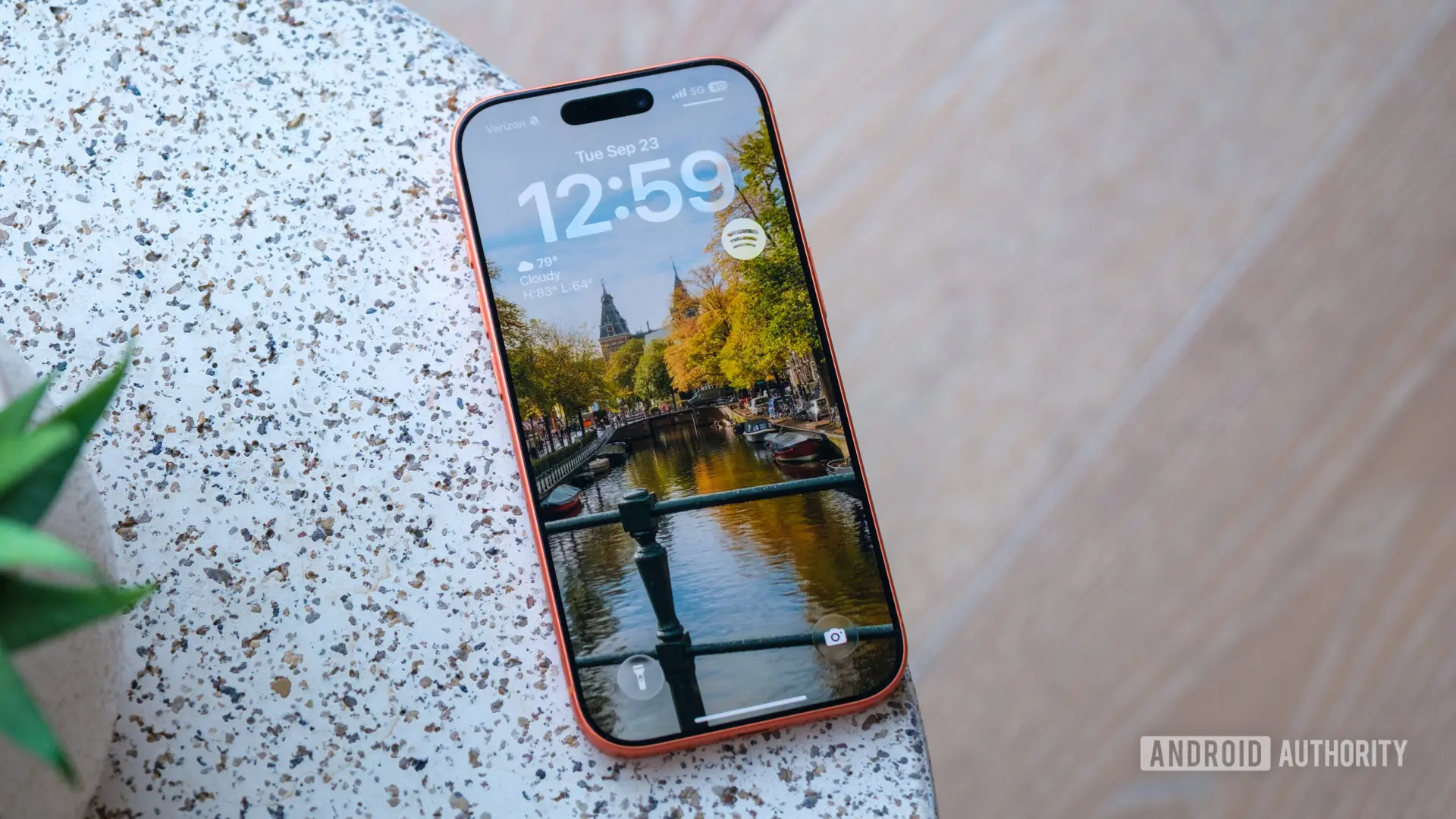
Apple has released iOS 27 developer beta 3, a significant update in the run-up to the stable release expected later this year. This beta introduces a host of feature refinements, UI tweaks, and optimizations, with the standout addition being a slick new wallpaper animation that brings a distinct 3D feel to the iPhone interface. The feature is bound to cause envy among Android users, as it showcases Apple's mastery of smooth animations and on-device intelligence.
The Wallpaper Cutout Animation: A Closer Look
The new animation appears when swiping down to open the Notification Center. Instead of the entire screen uniformly dropping down, the system uses on-device intelligence to isolate the foreground subject of your depth-effect wallpaper. This isolated subject floats smoothly over your active app or Home Screen first as a cutout, creating a distinct multi-layered depth effect before the rest of the interface blurs into place. The result is a flashy piece of UI eye candy that makes the interface feel layered and three-dimensional.
From limited testing, the feature works best with photos featuring a clear human or animal subject and decent scope for background-foreground separation. If the wallpaper depth effect option is not visible when setting a wallpaper, the transition will not trigger. This animation is reminiscent of the depth effect introduced in iOS 16, but taken to a new level with a floating cutout that adds a sense of depth and immersion.
Apple has long been known for its fluid animations and attention to detail. The company's design philosophy emphasizes intuitive interactions, and this wallpaper trick is a prime example. By leveraging the neural engine and machine learning capabilities of modern iPhones, Apple can separate foreground and background in real time, creating an effect that feels almost magical. This feature is likely to be a hit among users who enjoy personalizing their devices and appreciate subtle yet impactful visual changes.
Comparisons to Android are inevitable. While Android has offered live wallpapers and various animations for years, the seamless integration with the Notification Center in iOS 27 sets a new standard. Android users may envy the smoothness and polish of this implementation, but it's worth noting that some Android launchers have attempted similar effects, though rarely with the same level of refinement. Apple's control over hardware and software allows for optimized performance and battery efficiency, ensuring that the animation does not compromise the user experience.
Siri Voice Customization and Live Recognition
Beyond the wallpaper trick, iOS 27 beta 3 unlocks highly anticipated functional upgrades. Siri voice customization is now fully operational on compatible devices, such as the iPhone 17 Pro. Users can adjust the assistant's speaking pace and expressivity natively, making Siri sound more natural and personalized. This customization extends to different voices and accents, allowing users to tailor Siri to their preferences. The feature is part of Apple's ongoing efforts to improve the assistant's conversational abilities and make it more useful in everyday scenarios.
Accessibility gets a major boost with 'Live Recognition,' an on-device intelligence tool that uses the camera to describe the surrounding environment and answer specific user questions in real time. This tool is designed for users with visual impairments, but it can be beneficial for anyone who wants quick contextual information. For example, pointing the camera at a product can provide details about it, or describing a scene for someone who cannot see it. Live Recognition runs entirely on the device, ensuring privacy and low latency. This feature builds on the accessibility features introduced in previous iOS versions, such as VoiceOver and Magnifier, and represents a significant step forward in making smartphones more inclusive.
The combination of Siri customization and Live Recognition demonstrates Apple's commitment to personalization and accessibility. By giving users more control over how their devices interact with them, Apple is making the iPhone more adaptable to individual needs. These features are particularly relevant in an era where digital assistants and AI are becoming increasingly integrated into daily life.
AirPods Adaptive Audio and Other Improvements
AirPods owners using the 'Adaptive' audio mode will find a new granular slider to balance transparency and active noise cancelation. Previously, Adaptive mode automatically adjusted between the two based on the environment, but users had limited control. The slider allows fine-tuning, so users can set the level of noise cancellation they prefer while still hearing important sounds. This is a welcome addition for those who use AirPods in varying environments, such as commuting, working, or exercising. The slider can be accessed via the AirPods settings in iOS, providing a more personalized listening experience.
Several minor quality-of-life improvements round out the release. The Reminders app icon sports updated 'Liquid Glass' checklist bullets, giving a more modern and visually appealing look. The Photos app adds a toggle to display star ratings on thumbnails, making it easier to organize and review images. Star ratings have been a long-requested feature for photographers and power users who want to quickly identify their best shots. Additionally, there are performance optimizations and bug fixes that improve overall system stability.
Apple typically releases several beta versions before the stable launch of a major iOS update. iOS 27 is expected to debut alongside the rumored iPhone 18 Pro and iPhone Ultra models, likely in September. The beta cycle allows developers and early adopters to test features and provide feedback, ensuring a smooth rollout to the general public. As with any beta software, users should be aware of potential bugs and compatibility issues, but the current beta 3 seems relatively stable based on early reports.
Background and Historical Context
iOS 27 is the latest iteration of Apple's mobile operating system, succeeding iOS 26 which introduced several notable features like improved widgets and enhanced multitasking. Each year, Apple refines the user experience, adding new capabilities while maintaining the platform's ease of use. The depth effect wallpapers were introduced in iOS 16, allowing users to set photos where the subject appears in front of the time and date. iOS 27 builds on that by extending the effect to notifications and other interface elements.
The on-device intelligence used for the wallpaper cutout is part of Apple's broader push into machine learning and AI. The company's neural engine, present in all recent iPhone chips, enables real-time processing without sending data to the cloud. This approach prioritizes privacy, a key selling point for Apple. Live Recognition and Siri customization also rely on on-device processing, ensuring that user data remains private.
Apple's design team has always emphasized the importance of animations in creating a cohesive user experience. The wallpaper trick is a testament to that philosophy, adding a layer of delight to everyday interactions. While some may dismiss it as a gimmick, such details contribute to the overall perception of quality and polish that Apple is known for.
For users who want to try the new animation, they must be running iOS 27 developer beta 3 on a compatible device. The depth effect option must be enabled when setting a wallpaper, and the image should have a clear subject with good separation. As with all betas, performance may vary, and some features may be refined in future builds.
In summary, iOS 27 developer beta 3 brings a visually impressive wallpaper animation that showcases Apple's animation prowess and on-device AI. Alongside Siri voice customization, Live Recognition, and AirPods improvements, this update is shaping up to be a solid release. With more betas expected before the stable launch, users can look forward to further enhancements. The new features are likely to generate significant interest among both iOS enthusiasts and Android users considering a switch.
Source:Android Authority News